
Last updated: March 2026
Key Features
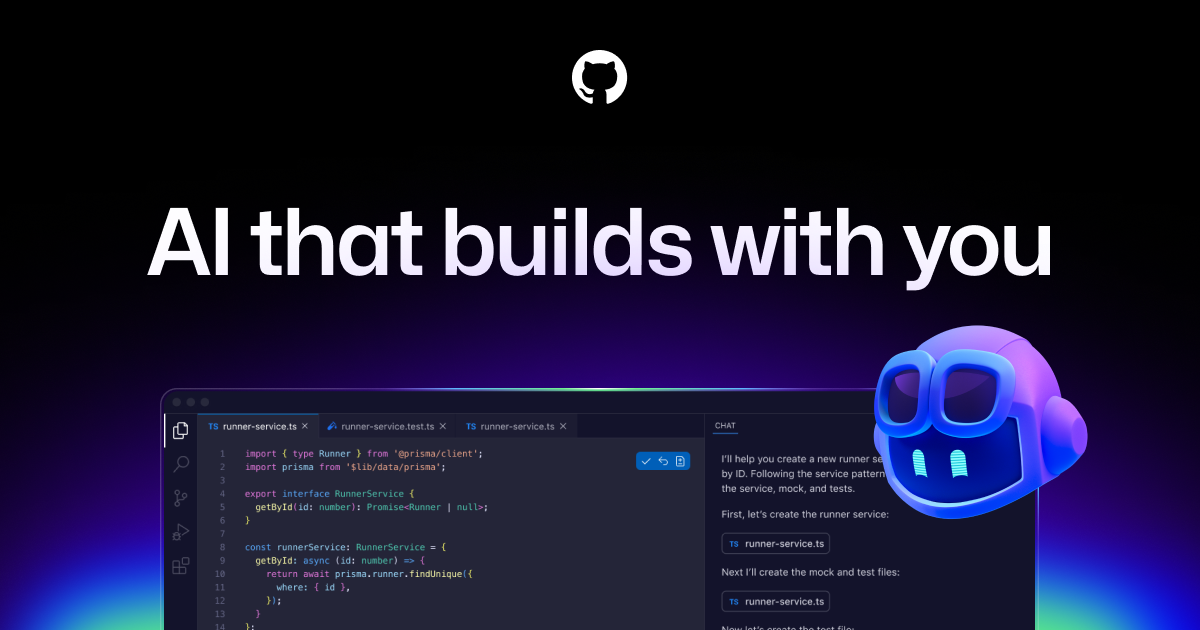
- Real-time code suggestions and completions
- Copilot Chat for natural language Q&A about code
- Support for VS Code, JetBrains, Neovim, and more
- Code review suggestions in GitHub pull requests
- Workspace agent for multi-file tasks
- Copilot Extensions ecosystem
Pros
- + Most affordable premium AI coding assistant at $10/mo
- + Tight integration with GitHub ecosystem and PRs
- + Broad editor support across VS Code, JetBrains, and Neovim
- + Free tier available for individual developers
Cons
- − Code suggestions can be less context-aware than Cursor
- − Enterprise features require the more expensive Business plan
- − Occasionally suggests outdated or deprecated code patterns
Articles About GitHub Copilot
User Reviews
I like GitHub Copilot a lot. It integrates well with my existing setup and the AI assistance is genuinely helpful. Just wish the custom model training was a bit better.
Game changer for my workflow. GitHub Copilot has completely transformed how I write code. The AI suggestions are incredibly accurate and save me hours every week. Can't imagine going back.
Incredible tool. GitHub Copilot has cut my development time by at least 30%. The context awareness is what sets it apart from competitors.
Very impressed with GitHub Copilot. It's not perfect — sometimes it suggests overly verbose solutions — but the time saved far outweighs the occasional miss.
Good tool with room to grow. GitHub Copilot handles the basics really well and I use it daily. Would love to see better support for larger context window in future updates.
Incredible tool. GitHub Copilot has cut my development time by at least 30%. The context awareness is what sets it apart from competitors.
Related Guides
Compare GitHub Copilot






Looking for something different?
View GitHub Copilot Alternatives →